

No products in the cart.
How MyQR Works: Scan, Call Privately — No App, No Numbers
Need to reach a vehicle owner, a household behind a locked door, or the person who lost a bag — without sharing phone numbers? That is exactly how MyQR works.
MyQR by GuestRAR is a physical QR sticker you place on cars, mopeds, doors, travel bags, purses, keys, and other belongings. Anyone who scans it can start a private browser call to the owner. No app for the scanner. No numbers exchanged. No call recording.
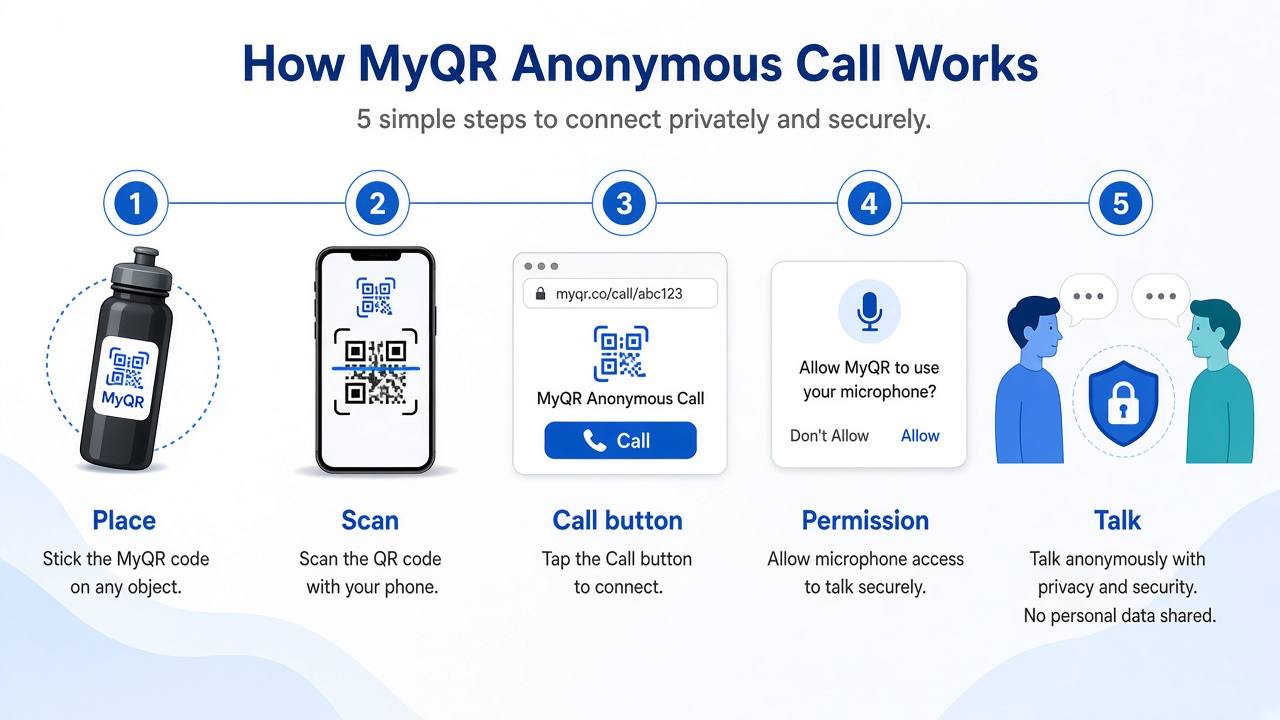
How MyQR works in 5 simple steps
These five steps are the core of the MyQR experience — from sticker to private conversation.
1. Place MyQR where it is easy to see
Stick your MyQR on anything you want people to contact you about: a car windshield, moped front panel, apartment door, travel bag, purse, or keychain. Keep it visible so someone can scan it quickly in a hurry.
2. Anyone who needs you scans the QR
A passerby, delivery partner, or finder opens the camera on their phone and scans the code. They land on a secure web page — no GuestRAR app install required for the person scanning.
3. They see a Call button
The scan page shows a clear Call action so the scanner can reach the MyQR owner without searching for a phone number.
4. Tap Call and allow microphone access
After they tap Call, the browser asks for audio permission. Once allowed, the call starts over the web. The owner receives the incoming call in the MyQR by GuestRAR app.
5. Talk privately, then hang up
Both sides speak for the reason at hand — wrong parking, an emergency, a locked door delivery, or a lost item — then end the call. Phone numbers stay hidden on both sides, and GuestRAR does not record the audio or store calling data.
Where you can use MyQR
Once you understand how MyQR works, the same flow fits everyday situations at home, on the road, and while travelling.
On vehicles — wrong parking & roadside emergencies
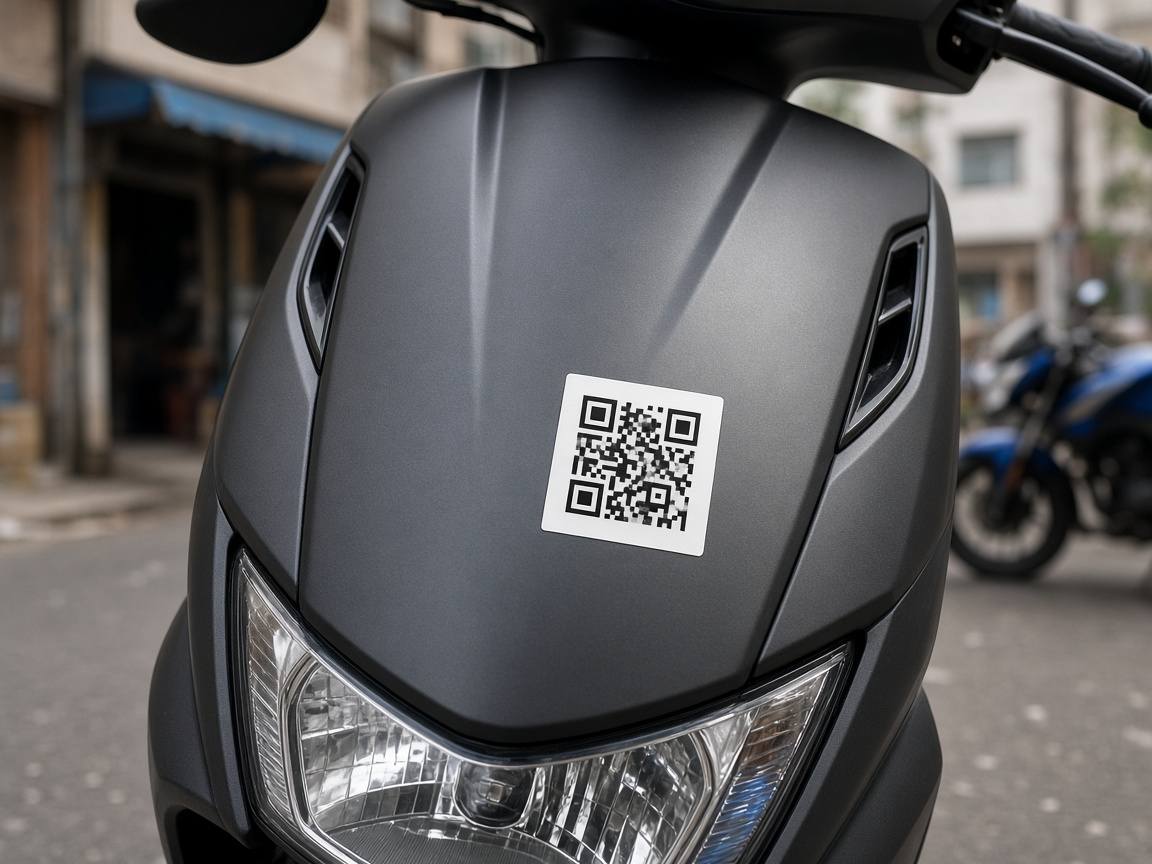
Place MyQR on a car windshield or moped front panel. If the vehicle is blocking someone or there is an emergency, anyone can scan and call you privately so you can move the vehicle or respond quickly — without leaving a note or exposing your mobile number.
On doors — delivery when the door is locked
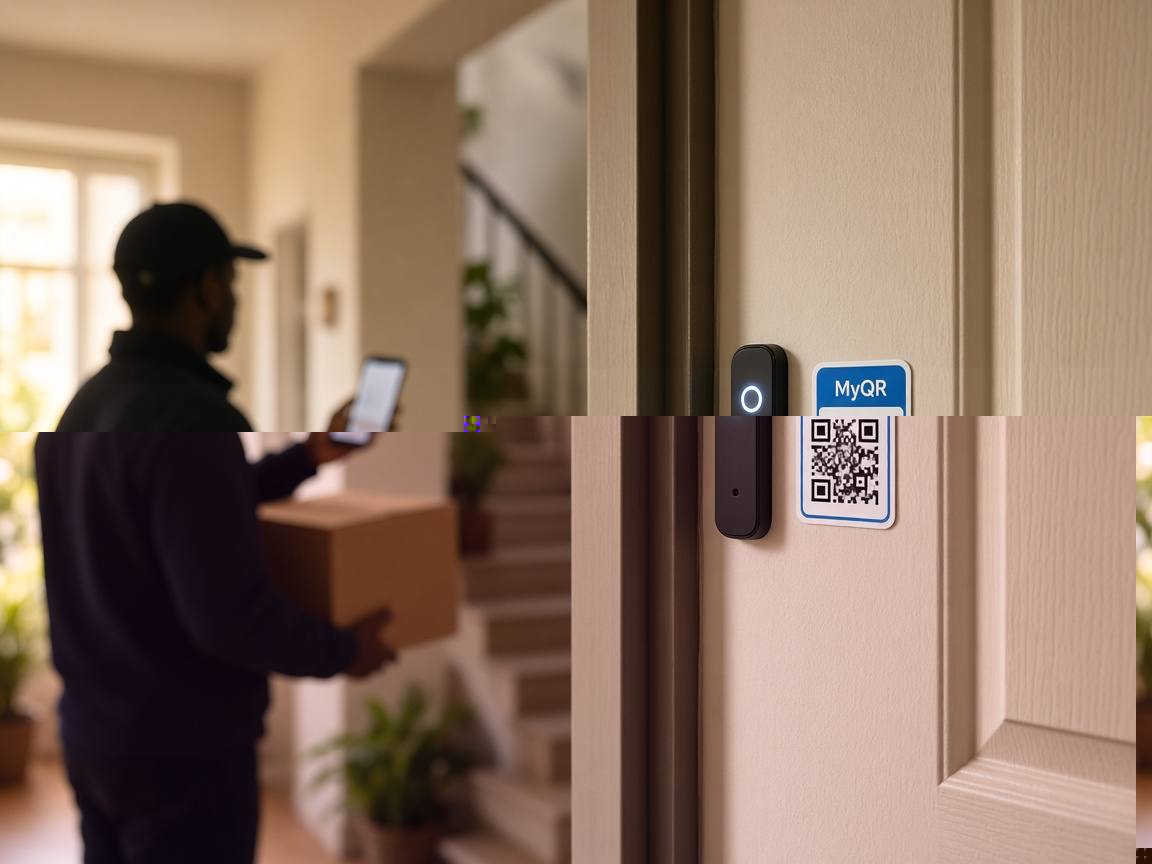
Stick MyQR near your door. When a delivery partner arrives and cannot leave the parcel, they scan and call. You arrange handover without opening the door to strangers or sharing your personal number on a note.
On bags, purses & keys — lost & found
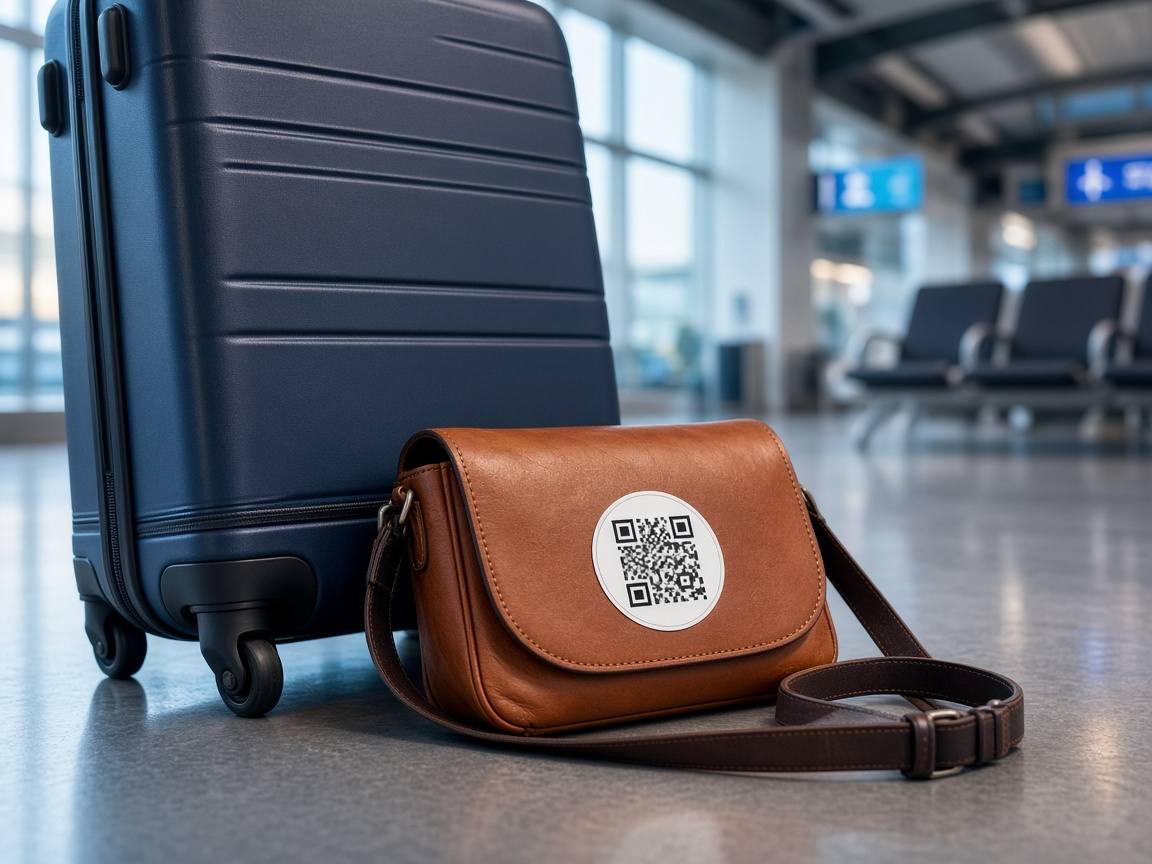
Use MyQR as a lost-and-found decal on travel bags, purses, laptop sleeves, or keys. If someone finds your belonging, they scan and call so you can recover it — again without publishing a phone number on a luggage tag.
Privacy & trust: what MyQR does not share
- No app for scanners — the call starts from the browser after scanning.
- No numbers shared — neither the scanner’s nor the owner’s mobile number is shown.
- No recording — audio is not recorded and calling data is not stored for playback.
- Owner app only — the QR owner needs MyQR by GuestRAR to receive calls.
Get MyQR by GuestRAR
Owners set up and manage MyQR in the free app, then stick the QR wherever it helps people reach them safely.
Ready to try it? Place your MyQR, share the idea with family, and keep contact private the next time someone needs to reach you about a vehicle, delivery, or lost item.
Need visitor management for your premise?
Explore GuestRAR VMS →
 GuestRAR Ecosystem: 10 Products for Premises, People & Partners
Explore the full GuestRAR ecosystem — VMS, Patient VMS, Headcount, Queue Management, Guest Check-In, Asset & Key Tracking, Attendance, MyQR, and ...
Read more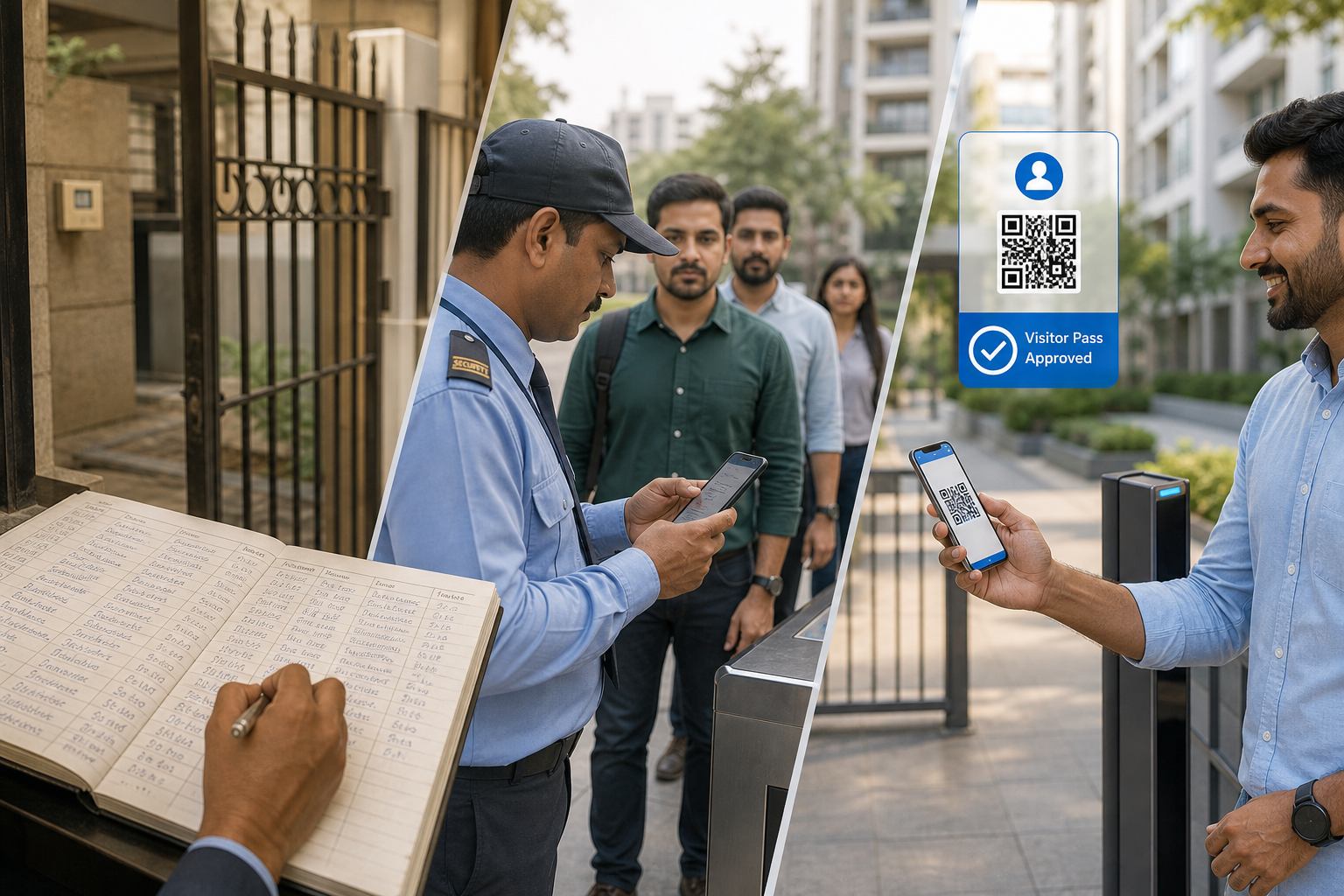 The Transformation of Visitor Management: From No Register to GuestRAR QR
From no gate register to paper books, then slow phone punching — and finally GuestRAR QR: SuperFast SuperEasy visitor management visitors actually lik...
Read more RWA Checklist: How to Choose a Visitor Management System
A practical RWA checklist for selecting a visitor management system — QR privacy, host approvals, pricing transparency, NDA, and ad-free apps. ...
Read more